Ways to Build
Supero gives you five ways into building an application. They all end in the same place — a multi-tenant app with access control and an admin panel, running on your database or ours. Pick the one that matches how you already work.
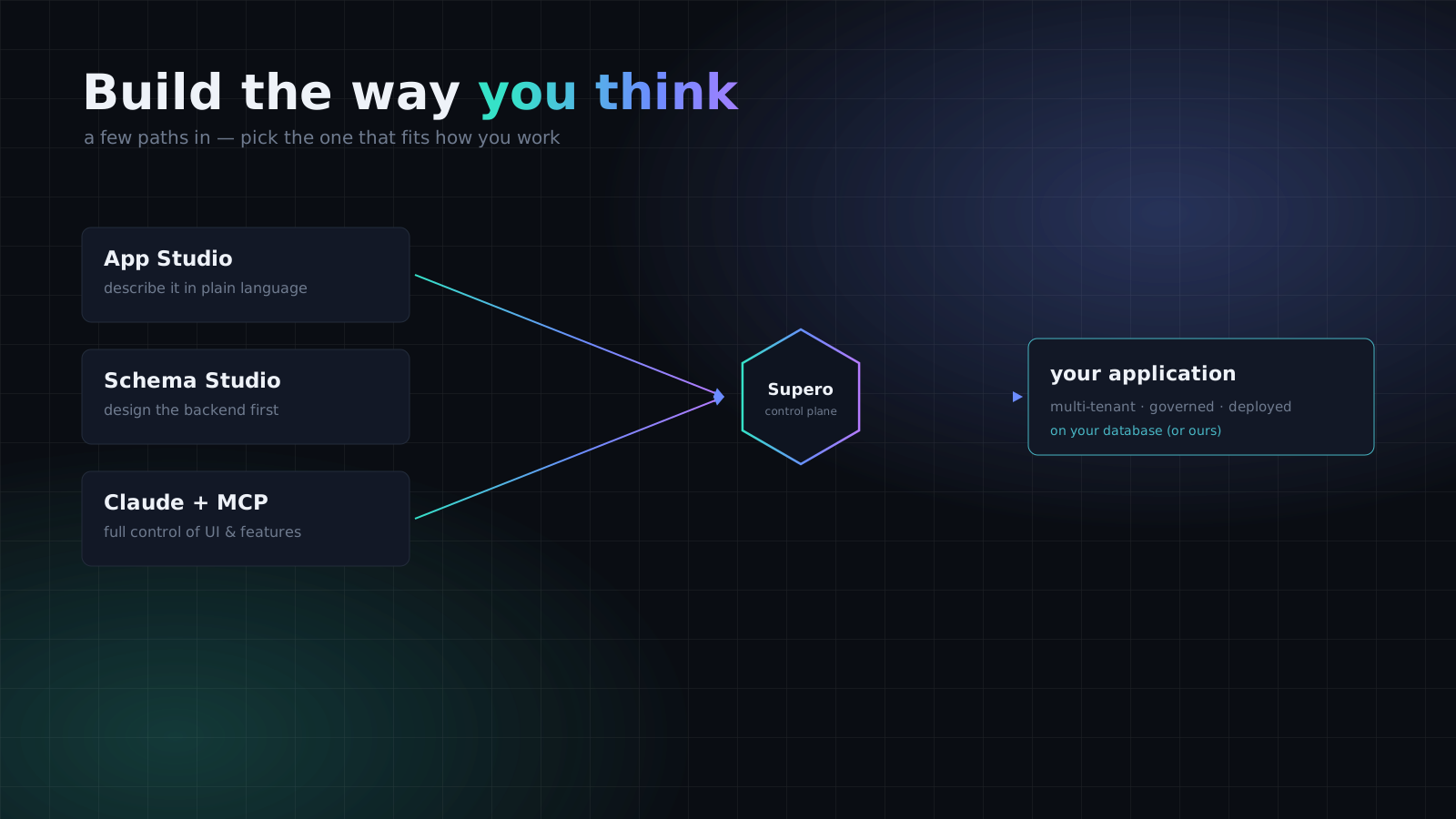
Pick a Path
ℹ️ They are not exclusive
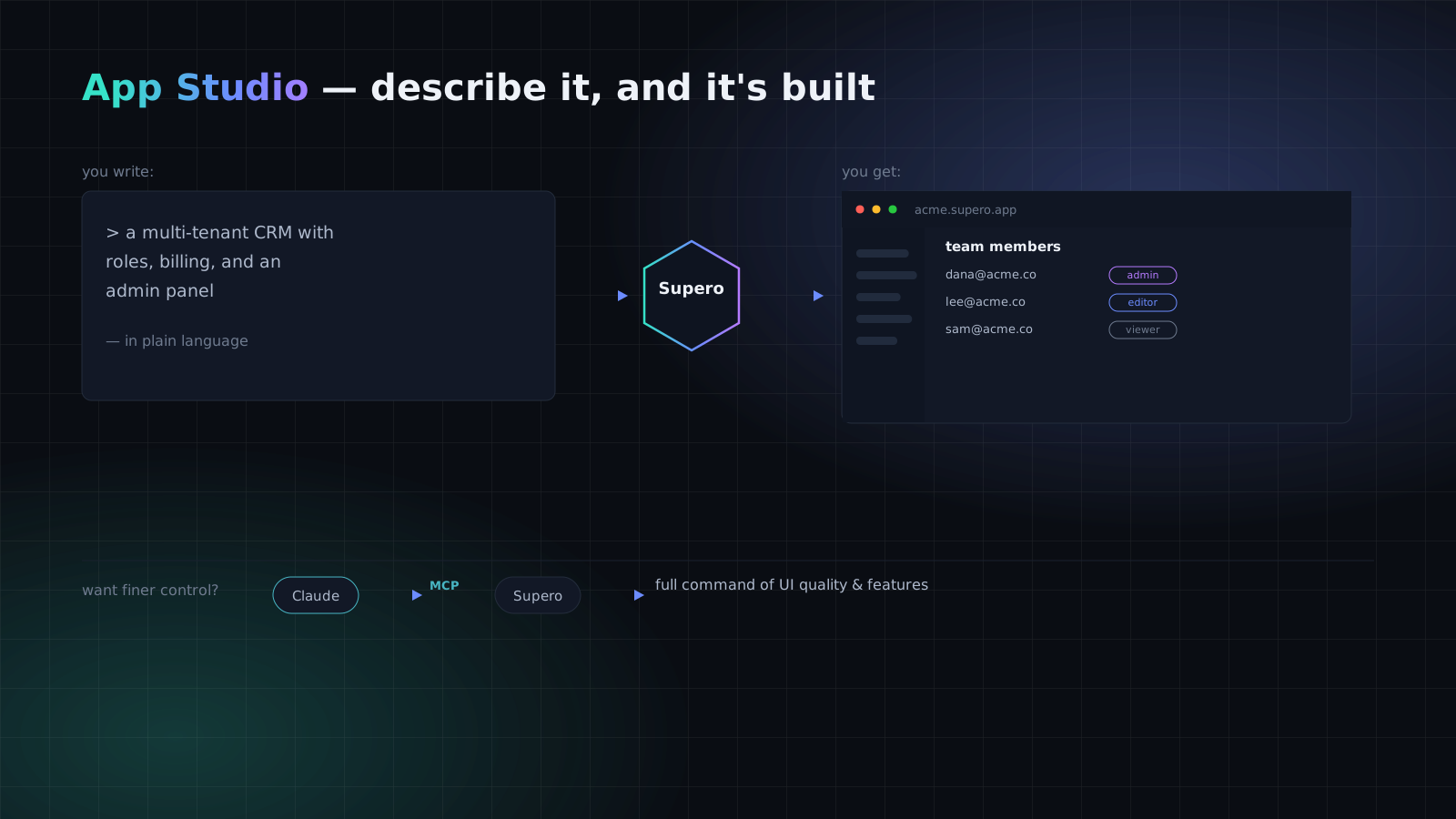
1. App Studio — describe it, and it is built
Good when
- •You know the outcome you want but not the exact data model yet.
- •You want something running end-to-end before you invest in detail.
- •The app is a recognisable shape — CRM, portal, marketplace, internal tool.
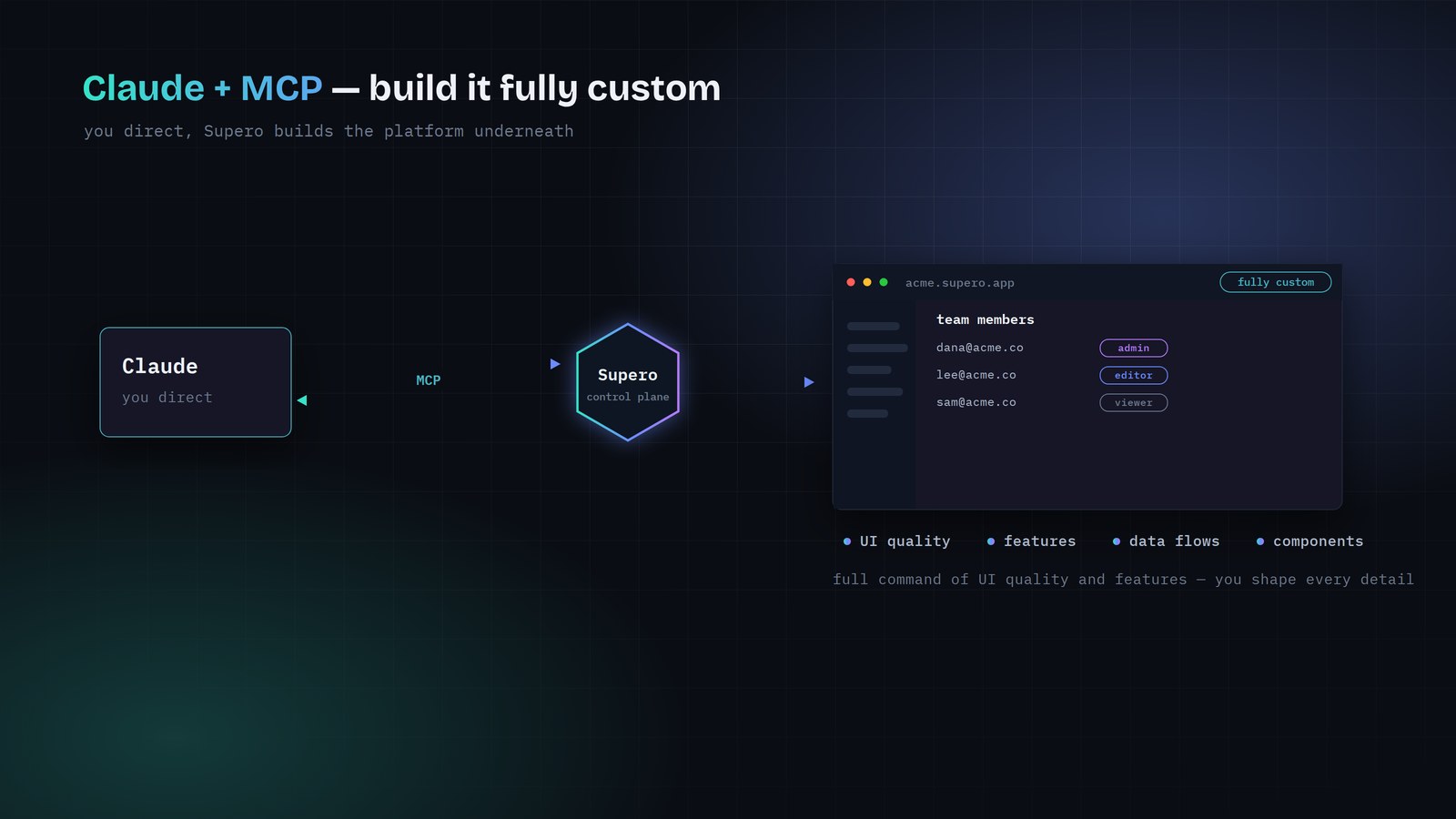
2. Claude + MCP — build it fully custom
Good when
- •You care about the last 10% of polish as much as the first 90% of scaffolding.
- •The app is unusual enough that a one-shot description will not capture it.
- •You are already working in an AI editor and want the platform reachable from there.
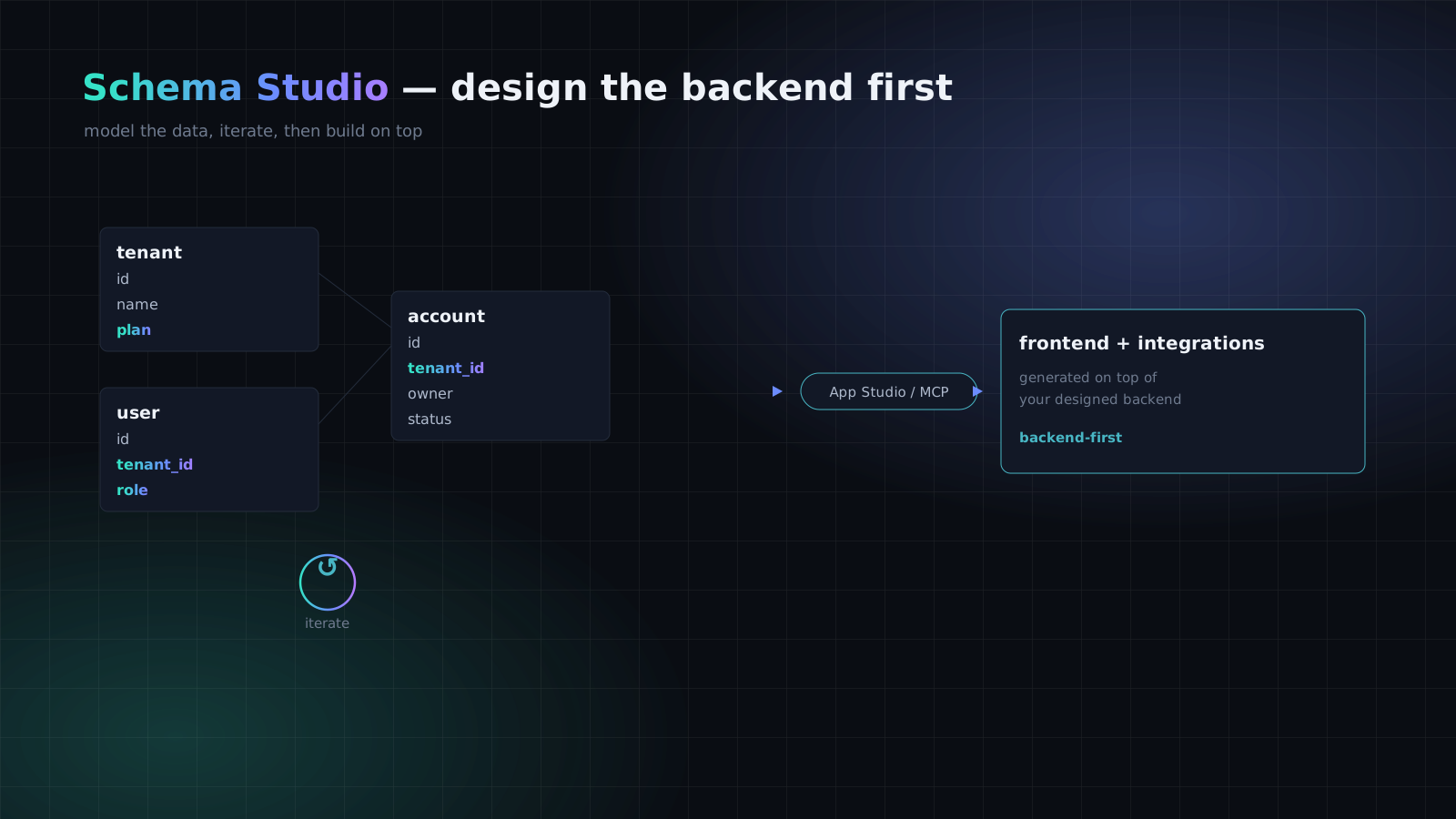
3. Schema Studio — for people who design the backend first
Good when
- •The data model is the hard part and the UI is comparatively obvious.
- •You have existing domain models to mirror, or compliance constraints on the schema.
- •Several applications will share one carefully designed set of object types.
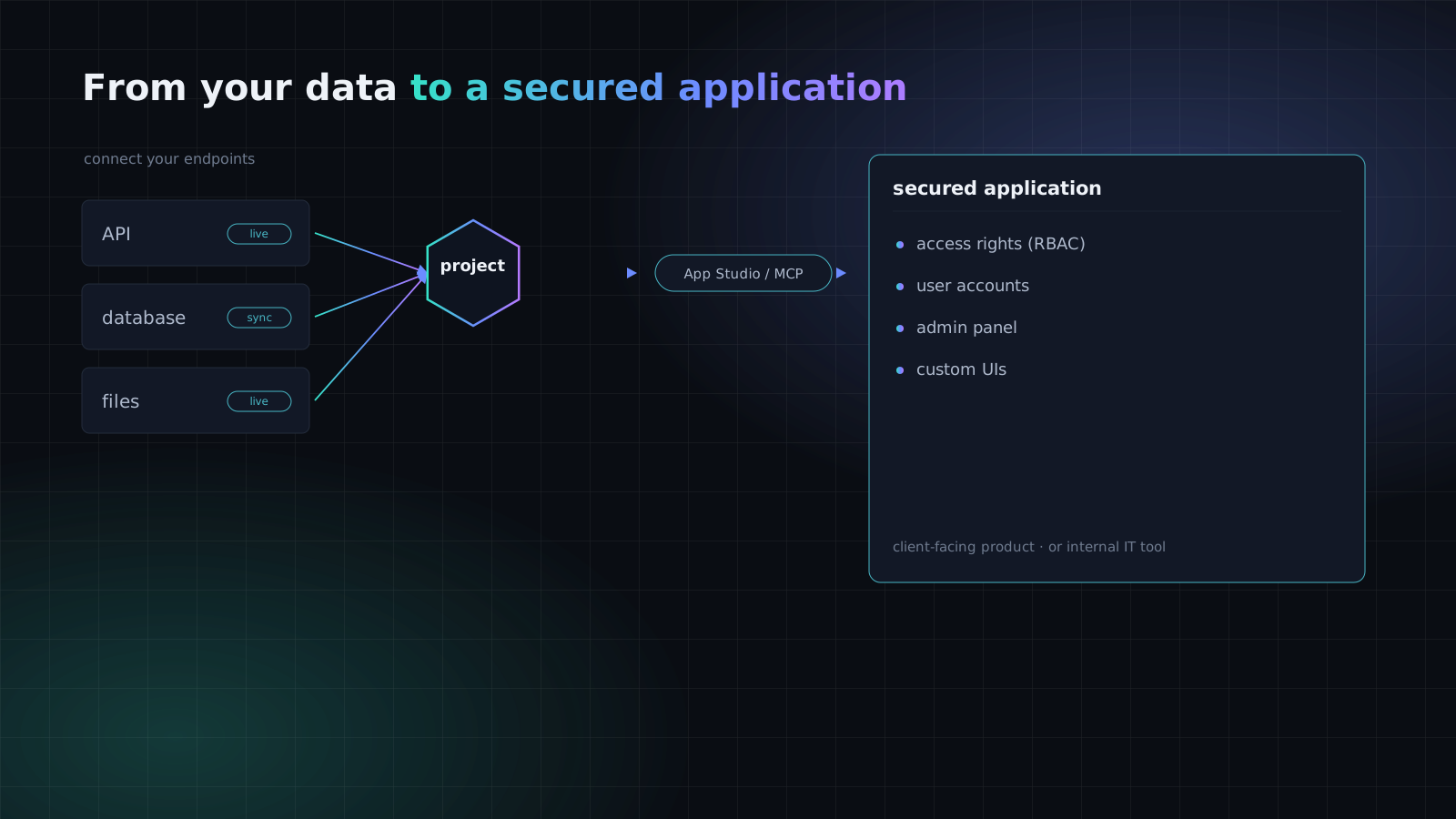
4. From your data to a secured application
- 1
Create a project
A project holds your schemas, data, and tenants.
- 2
Connect your endpoints
Point a connector at a database, warehouse, file source, or HTTP API — synced or live.
- 3
Build in App Studio or over MCP
Generate the application on top of the objects the connector registered.
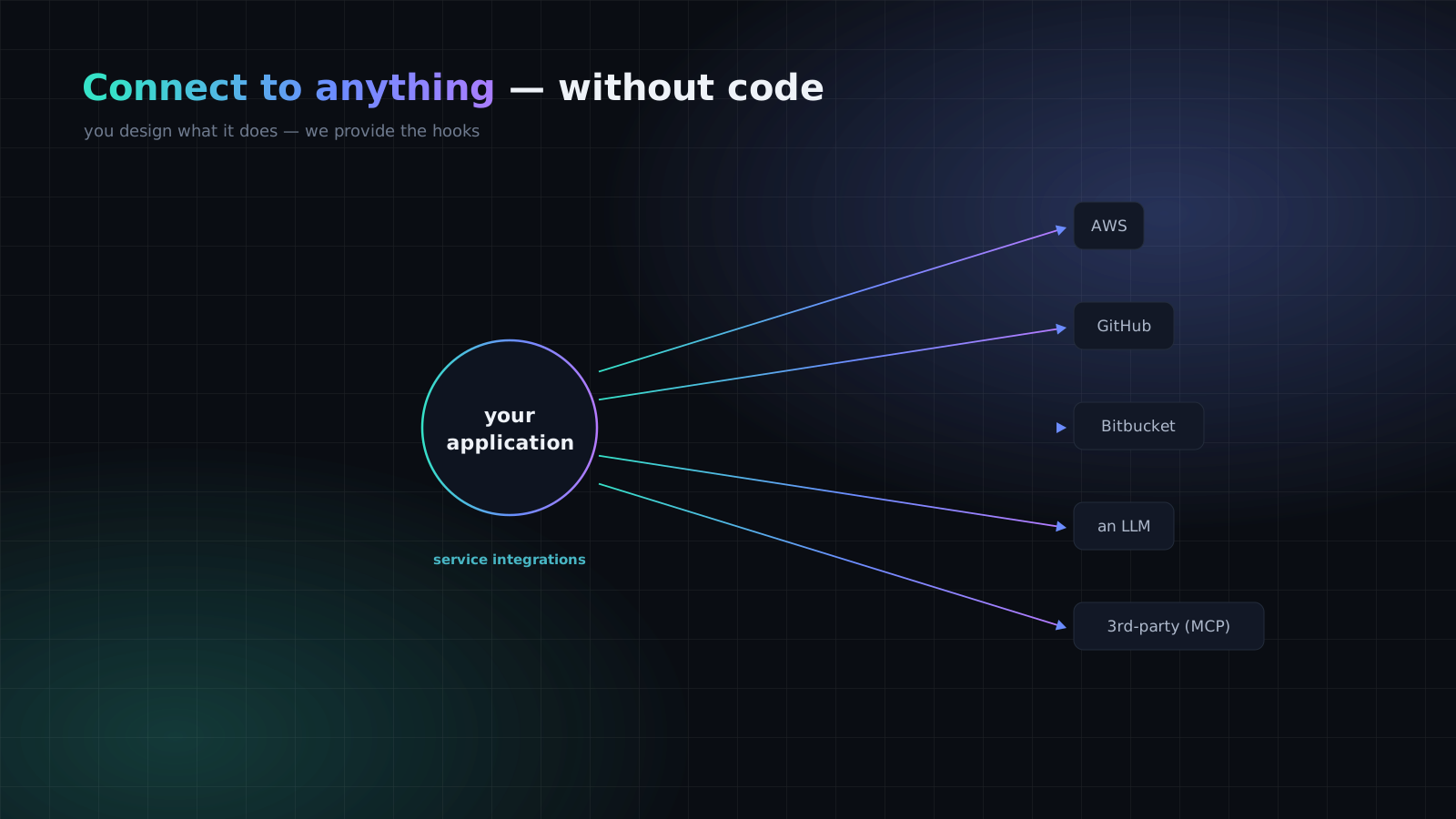
5. Connect to anything
The Through-Line
ℹ️ Where the generated code lives — worth knowing before you choose
See the architectures
Ten reference solutions, each with a diagram and a build path. Solutions Overview
Start from zero
Domain, project, schema, and first CRUD call in a few minutes. Quick Start
Understand the model
Domain, project, tenant, object type — and how they nest. Core Concepts
Choose where it runs
Supero Cloud, your own cloud, or on-premise. Deployment
On this page